
 Pleyx App
The app that takes care of your PS5 or PS4
Check your controller for drift, your console’s surroundings and any error with Pleyx AI. Download it for free.
4.8 ★ · 1,259 ratings · 70K+ downloads
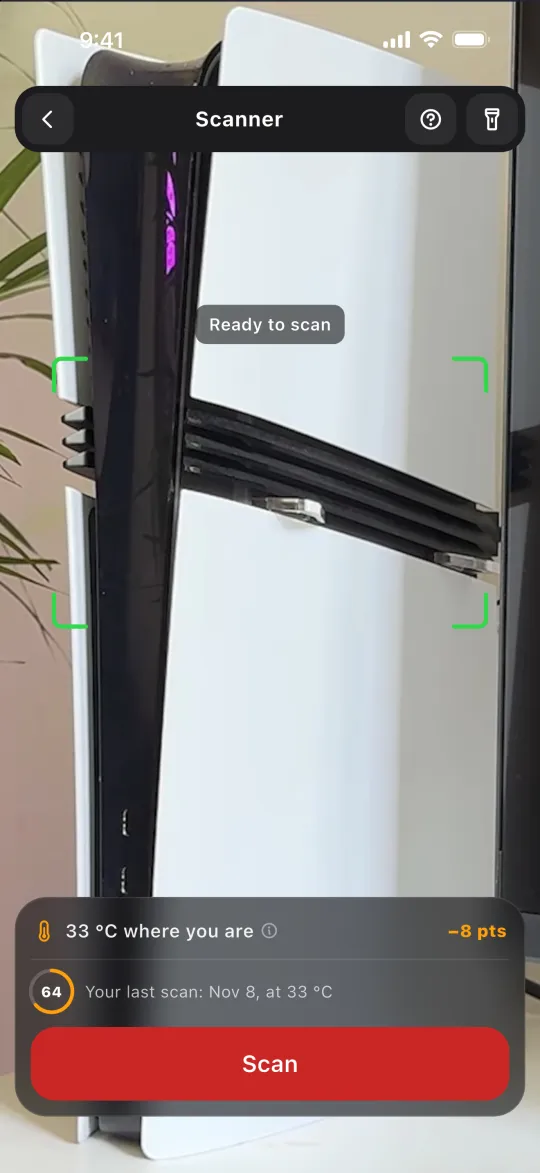
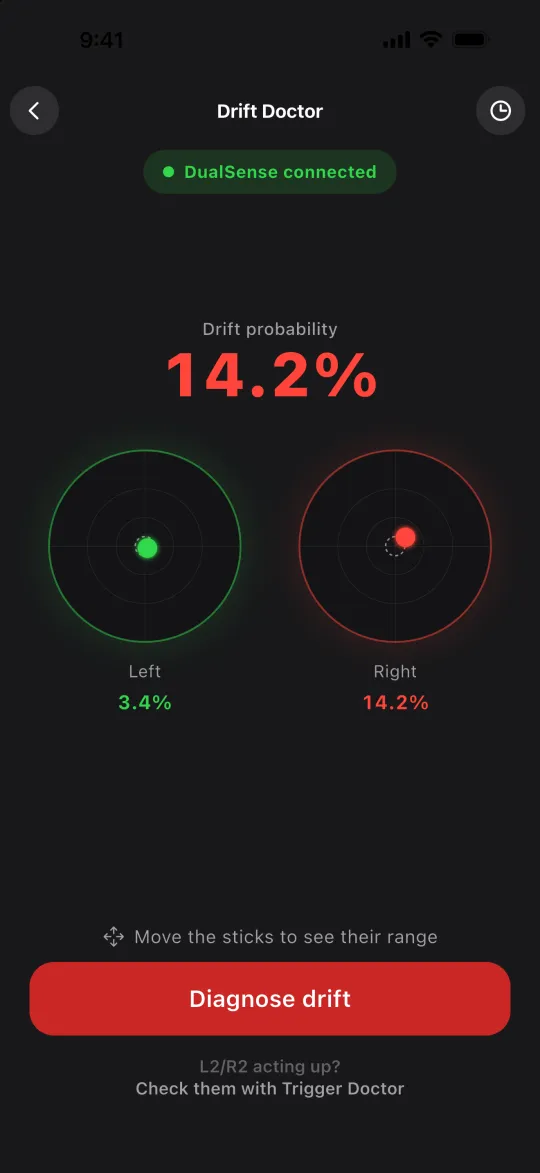
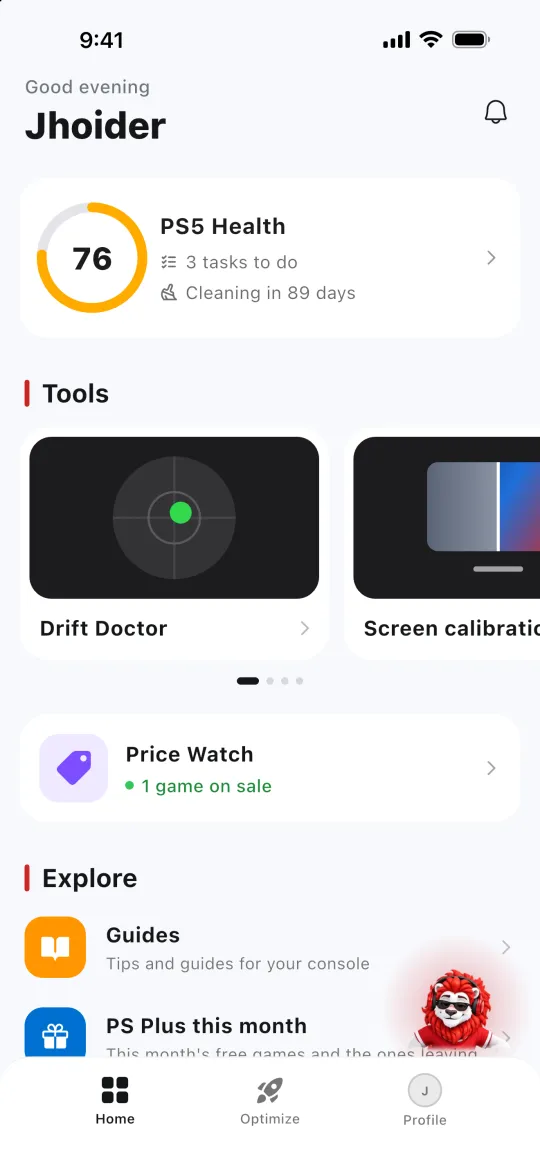
Over 70K players take care of their console with Pleyx
Diagnose your DualSense and your console
Drift test for DualSense and DualShock 4, environment scanner, HDR calibration and PS Store price alerts.
For PS5 and PS4
When you start, you pick your console and the whole app is about yours. The trigger test and PC stick calibration are PS5 only.
Pleyx app reviews
4.8 out of 5 from 1,259 ratings on the App Store and Google Play. Most of our players write in Spanish, so these reviews are translated.
“The best app I’ve tried for my PS5. Highly recommended.”
“For checking possible drift problems, that tool is amazing. I loved it.”
“I didn’t know keeping my PS5 boxed in was bad. It really helps.”
“In the end it was the so-called sonic cleaning that got rid of the drift that showed up after less than a month of use.”
“Awesome. The app really helps my PS5 Slim, and every PS5 in general.”
“DualSense calibration: very good and accurate.”
What’s free and what Pleyx Pro adds
The app is free to download and almost everything works without paying. Pro removes the limits.
Free
Forever, no card needed.
- Console health and cleaning reminders
- Alerts when PSN goes down
- Pleyx AI3 questions a day
- Price WatchUp to 3 games
- Environment scanner and screen calibrationOne use of each
- Web toolsDrift test, triggers, HDR, PSN and prices
Pleyx Pro
Every tool, without paying per use.
- Drift, Trigger and Optimization includedNo pay-per-use
- Unlimited Pleyx AI
- Unlimited Price WatchPlus the lowest price since you started watching
- Full scanner and calibrationWith every step
- No adsAcross the whole app
Only need it once? Drift, Trigger and Optimization are also available with a 24-hour pass.
Pro is monthly or weekly: the store shows the price in your currency and the renewal before you confirm, and you can cancel anytime.
What is Pleyx: FAQ


Does it work with PS4?
Yes. When you start, you choose PS5 or PS4 and the app adapts to your console. The trigger test and PC stick calibration are PS5 only.
Is it free?
Yes. It’s free to download and almost everything works without paying. Pleyx Pro removes the limits and the ads, and there are 24-hour passes if you only need it once.
How do I know if my controller has drift?
If your character or the camera moves without you touching the stick, that’s drift. The drift test measures it in a minute, in your browser or in the app, and shows how much each stick moves. Take the drift test →
Does it fix drift?
It measures it, tracks it over time and tells you what to do. If the stick is worn inside, the fix is to clean it or replace it.
Why does my PS5 get hot?
It’s almost always too little space around it, dust in the vents or a closed cabinet. The environment scanner uses a photo to check whether your console can breathe and what to move. Scan your console →
How often should I clean my PS5?
It depends on where it sits, whether there are pets or dust, and how many hours you play. The cleaning plan tells you how often for your setup. Get your cleaning plan →
Do I have to connect the app to my console?
No. The app guides you from your phone and never asks for your PlayStation Network account.
Is it an official PlayStation app?
No. Pleyx is an independent project, not affiliated with Sony Interactive Entertainment.

